
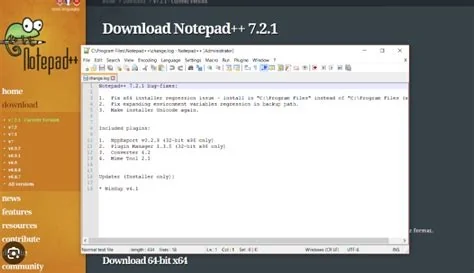
Notepad++’s official update server was compromised for six months, allowing attackers to distribute malicious versions of the editor. The breach was discovered when irregularities appeared in distribution logs, prompting the developers to release version 8.8.9 with a hardened digital‑signature verification and TLS enforcement. Updating to 8.8.9 or later eliminates the risk.
What Happened to Notepad++ Update Server
The attackers seized control of the official Notepad++ update domain and intercepted legitimate update requests. By replacing authentic packages with tampered ones, they delivered malware to users who enabled automatic updates during the six‑month window.
How the Vulnerability Was Fixed
Version 8.8.9 introduces a new digital‑signature verification process and strengthens TLS communication between the client and the update server. These measures ensure that only properly signed releases can be installed, preventing future server‑side compromises.
Impact on Users and Organizations
Users who accepted automatic updates during the compromised period received infected binaries, potentially exposing systems to adware, spyware, or backdoor components. Organizations using Notepad++ in production environments faced additional risk of lateral movement within their networks.
Recommended Actions for Users
- Download and install Notepad++ 8.8.9 or any later version immediately.
- Prefer manual installation from the official Notepad++ website to verify the signature.
- Consider disabling automatic updates until the update channel is fully trusted.
- Maintain regular backups of configuration files and critical projects.
Expert Perspectives
Software Security Specialist
“The Notepad++ incident highlights the necessity of robust integrity checks at every software delivery point. Even open‑source tools must enforce mandatory digital signatures and validate server certificates before applying updates.”
DevOps Engineer
“Implementing hash‑verification pipelines for all incoming binaries adds an extra layer of protection. Before deploying Notepad++ in a corporate environment, compare the released hash with the official value to ensure authenticity.”
Next Steps and Best Practices
While the immediate threat has been mitigated, regular audits of update servers and continuous monitoring of download logs remain essential. Organizations should establish whitelists for signed releases, enforce strict update policies, and keep verified installers in internal repositories to reduce reliance on external distribution channels.

