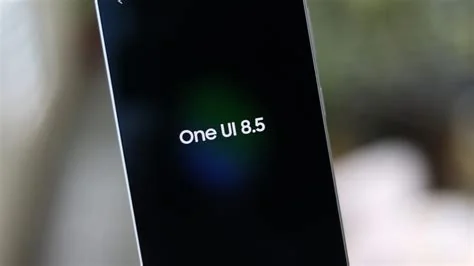
Samsung’s One UI 8.5 brings AI directly into the Android skin, delivering on‑device photo editing, smarter Bixby commands, and tighter SmartThings control. The update launches with the Galaxy S26 series, promising faster, private enhancements that learn your habits without sending data to the cloud. Here’s a quick rundown of what changes and why it matters for you.
Key AI Features in One UI 8.5
On‑Device Photo Editor
The new editor uses on‑device machine learning to suggest lighting tweaks, swap backgrounds, and apply artistic filters—all without leaving your phone. Because processing stays local, you get instant results and keep your images private. It feels like having a lightweight Photoshop in your pocket.
Smarter Bixby with Deep SmartThings Integration
Bixby now talks directly to the SmartThings ecosystem, letting you dim lights, adjust thermostats, or start a coffee maker with a single voice command. The workflow has been trimmed down, so you’ll often go from “Hey Bixby” to the action in one tap or spoken phrase.
Performance, Privacy, and UI Tweaks
Beyond AI, One UI 8.5 refines animation smoothness, adds subtle navigation gestures, and tightens privacy safeguards. The system flags apps that request unnecessary permissions and gives you clearer controls over data sharing. These changes make everyday use feel faster and more secure.
What This Means for Users and Developers
For you, the AI tools translate into quicker photo fixes and a home that responds to simple commands, turning routine tasks into almost automatic actions. Developers gain access to Samsung’s neural processing units (NPUs) through an updated SDK, opening the door for third‑party apps to leverage on‑device acceleration without reinventing the wheel.
- Instant photo enhancements without cloud latency.
- Voice‑driven smart‑home control that reduces manual steps.
- Improved system responsiveness thanks to NPU utilization.
- Stronger privacy defaults that keep your data on the device.
Overall, One UI 8.5 isn’t just a cosmetic refresh; it’s Samsung’s push to make the Galaxy experience feel genuinely smarter. If the early builds stay stable, you’ll likely see these AI‑powered conveniences become standard across future Samsung devices.