
Android 17 Beta 1 is now available for eligible Pixel devices, delivering adaptive design for large screens, professional‑grade camera tools, and a lock‑free MessageQueue that cuts UI jank. The preview also tightens privacy permissions and introduces generational garbage collection for smoother performance. You can enroll today to start testing these changes on your own device.
How to Enroll in Android 17 Beta 1
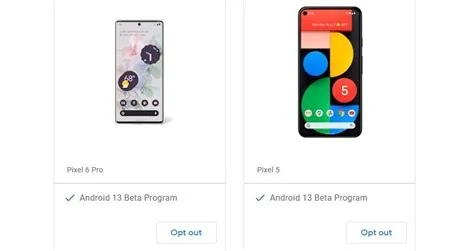
Getting the beta is simple. Open the Android Beta program on your Pixel, tap the enrollment button, and accept the OTA update when it appears. Make sure you back up your data first—beta builds are stable enough for daily use, but a backup protects you from any unexpected issues.
Key New Features in Android 17 Beta 1
Adaptive Design for Large Screens
The platform now enforces stricter layout guidelines, allowing apps to scale gracefully from phones to 10‑inch tablets and foldables. This means your UI will look native across a wider range of devices without extra code.
Enhanced CameraX and Media3 APIs
CameraX extensions now expose raw sensor data and advanced HDR pipelines, while Media3 adds built‑in support for high‑efficiency video codecs. If you build photo‑editing or streaming apps, these tools reduce reliance on third‑party libraries.
Performance Improvements
- Lock‑free MessageQueue: Eliminates contention on busy threads, reducing UI jank and delivering smoother scrolling.
- Generational Garbage Collection: Separates short‑lived from long‑lived objects, cutting pause times and improving overall responsiveness.
- Benchmark Gains: Early tests show frame‑time reductions of up to 15 % on typical workloads.
Privacy Enhancements
Android 17 tightens permission granularity, adding new runtime checks for background location access. These changes continue the platform’s focus on giving users finer control over their data.
Why Developers Should Test the Beta
Testing now lets you catch regressions before the stable release reaches millions of devices. You can verify adaptive layouts on real hardware, measure performance with the new lock‑free queue, and experiment with upgraded CameraX APIs. Any issues you surface now are likely to affect the final version, so early feedback is crucial.
Should You Install the Beta?
If you’re a Pixel owner who enjoys tinkering and your apps rely heavily on UI performance or camera capabilities, the answer is a clear yes. Just remember you’re on a pre‑release build—some quirks may appear, and you should be prepared to roll back if a critical bug shows up.


