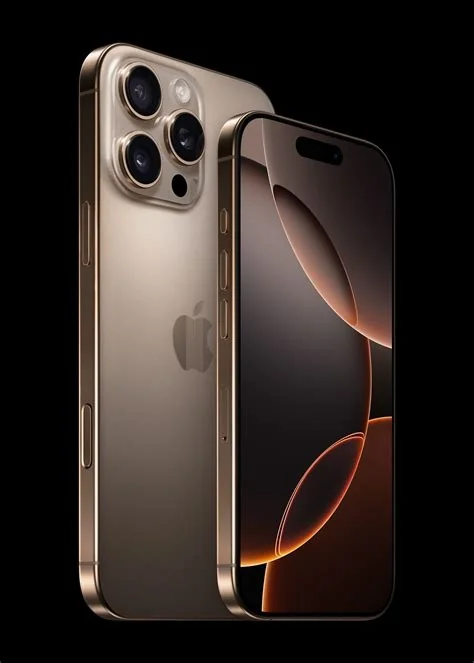
Safari can now run at the native 120 Hz refresh rate on iPhone 17 Pro, iPad Pro and other ProMotion devices. By disabling a hidden feature flag in Safari’s Advanced settings, users unlock smoother scrolling, reduced motion blur, and more responsive web interactions. The tweak trades a slight battery impact for a noticeably buttery browsing experience.
How to Enable Safari’s 120 Hz Mode
Locate the Feature Flag
Follow these steps on iPhone or iPad:
- Open Settings.
- Tap Apps → Safari.
- Select Advanced.
- Enter Feature Flags.
- Find the flag named “Prefer Page Rendering Updates near 60 fps.”
- Toggle the flag Off to remove the 60 Hz cap.
On macOS, enable developer features in Safari’s Advanced preferences first, then the same flag appears in the Feature Flags list.
What Users Notice After Enabling 120 Hz
Smoother Scrolling and Faster Animations
With the flag disabled, Safari updates page content at the display’s native 120 Hz. Scrolling feels more fluid, especially on long‑form articles, image‑heavy pages, and dense documentation sites. Animations render with twice as many frames per second, reducing motion blur and delivering a more app‑like feel.
Why Safari Was Limited to 60 Hz
Apple originally capped Safari at 60 Hz to conserve battery life. ProMotion displays dynamically lower their refresh rate when static content is shown, and limiting the browser prevented unnecessary power drain on pages that are not optimized for higher frame rates. The hidden flag simply gives power users the option to prioritize smoothness over modest energy savings.
Impact on Web Development
Enabling 120 Hz aligns Safari with Chrome, Edge, and Firefox, which already support higher refresh rates on compatible hardware. Developers can now experiment with higher‑frame‑rate animations, micro‑interactions, and scroll‑linked effects without being constrained to a 60 Hz baseline. The existence of the flag signals that the platform can handle higher refresh rates; it is a policy choice rather than a technical limitation.
Should You Turn It On?
Casual users may prefer the default 60 Hz setting for optimal battery longevity. Power users who spend extensive time reading articles, browsing forums, or using web‑based productivity tools often find the smoother experience worth the slight increase in power consumption. Keep in mind that the flag is unofficial and could be altered or removed in future iOS updates.
Future Outlook for High‑Refresh‑Rate Browsing
As ProMotion becomes standard across Apple’s mobile lineup, demand for software that fully utilizes the 120 Hz capability will grow. Apple may eventually expose a native “High‑Refresh‑Rate Browsing” toggle in Settings, but the current workaround already provides a tangible glimpse of a buttery web experience on iOS devices.