
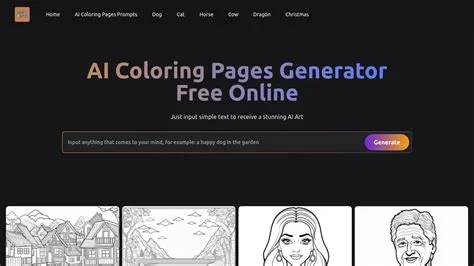
Microsoft Paint now includes an AI‑powered coloring book feature that lets Windows 11 Insiders generate custom line‑art pages directly from text prompts. Users type a description, receive multiple outline variations, and can adjust coloring precision with a new fill‑tolerance slider, making it easy to create printable coloring sheets or quick sketch concepts.
How the AI Coloring Book Works in Paint
Generating Line Art from Text Prompts
The feature taps the same large‑language‑model infrastructure behind Windows Copilot. After entering a brief description—such as “a cute fluffy cat on a donut”—the AI produces several vector‑style outlines that are instantly rasterized onto the Paint canvas. These outlines can be inserted, saved, or printed with a single click.
Using the Fill‑Tolerance Slider
A new fill‑tolerance slider appears alongside the traditional Fill tool. Adjusting the slider changes the sensitivity of the bucket‑fill algorithm, allowing users to control how precisely the generated outlines are colored, especially when dealing with intricate line work.
Benefits for Creators, Educators, and Hobbyists
- Instant custom content: Generate themed coloring pages without searching for royalty‑free line art.
- Rapid prototyping: Sketch concepts quickly before refining them with traditional drawing techniques.
- Educational flexibility: Tailor printable worksheets to specific curricula or classroom topics.
- Low‑barrier AI access: Leverage generative AI directly within a familiar, built‑in Windows app.
Availability and How to Try the Feature
The AI coloring book is currently rolling out to the Canary and Dev channels of the Windows 11 Insider program and requires a Copilot+ device with an active subscription. To test the feature, enroll in the Windows Insider Program, switch to the appropriate channel, and sign in with a Microsoft account.
Future Possibilities for AI in Paint
As the technology stabilizes, Microsoft may expand Paint’s AI toolkit with features such as style transfer, automated color palette suggestions, or even 3‑D model generation, further transforming the classic drawing app into a modern creative platform.


