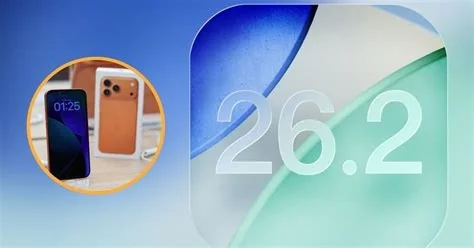
iOS 26.2.1 is a minor update for iPhone and iPad that fixes critical stability and security issues, improves battery performance, and introduces native support for the new AirTag 2 tracker. The patch is available now through Settings > General > Software Update and is recommended for all devices running iOS 26.2.
What the Update Includes
- Critical bug fixes: resolves unexpected app crashes and Bluetooth connectivity problems.
- Performance improvements: optimizes memory management and reduces battery drain on devices running iOS 26.
- Security enhancements: adds patches for vulnerabilities discovered in the previous release.
- AirTag 2 compatibility: enables pairing and location tracking of the second‑generation AirTag without a major OS upgrade.
Context and Background
iOS 26.2 launched in December with minor feature tweaks such as updated Messages options and Apple Pay refinements. Shortly after, users reported iCloud sync interruptions and Bluetooth detection failures. Apple follows a 4‑6 week maintenance cycle, delivering iOS 26.2.1 to address these urgent issues while continuing development of the upcoming iOS 26.3 beta.
Implications for Users
Owners of iPhone models already on iOS 26 should install iOS 26.2.1 immediately. The security patches lower the risk of exploits, and the stability fixes enhance daily usability, especially on older hardware. With AirTag 2 support, users can add the new tracker to the Find My app right away, benefiting from its extended range and longer‑lasting battery.
Community Feedback
Early adopters report that Bluetooth disconnections and random app closures have been resolved after updating. Users who tested AirTag 2 in beta confirmed seamless pairing and reliable location tracking with iOS 26.2.1.
Next Steps
While iOS 26.2.1 addresses the most pressing problems, Apple is fine‑tuning iOS 26.3, which promises AI‑driven photo enhancements, deeper Apple TV integration, and a revamped iPad multitasking experience. For now, download the update via Settings > General > Software Update. The process is automatic for compatible devices, but backing up to iCloud or a computer is recommended.