
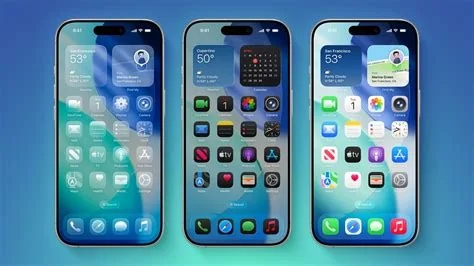
iOS 26.3 arrives as a focused polish update, bringing a smoother Transfer to Android experience, a batch of security patches, and modest performance tweaks. You’ll notice quicker app launches, a slight battery boost, and easier data migration when switching phones. The update supports iPhone models from 2019 onward, making it a safe upgrade for most users.
Improved Transfer to Android
The new Transfer to Android tool now recognizes a wider range of Android devices and moves photos, messages, and app data with fewer hiccups. While the UI stays familiar, the behind‑the‑scenes work cuts the friction that many iPhone‑to‑Android switchers have complained about.
Security and Performance Enhancements
Apple bundled several security patches that close recent CVEs, giving enterprises and everyday users peace of mind. In addition, performance tweaks shave a few seconds off app launch times and eke out extra battery life on supported models.
Device Compatibility
The compatibility list mirrors previous minor releases. Any iPhone launched from 2019 forward—iPhone 11, 12, 13, 14, 15 families, plus the second‑generation iPhone SE and newer SE models—can install iOS 26.3. Devices older than the iPhone X remain on earlier versions.
Impact for Developers and IT Professionals
Developers don’t need to modify code for this update, but the security fixes are critical for managed fleets. IT teams should prioritize deployment to protect against the patched vulnerabilities. The smoother Android migration also eases BYOD policies, reducing support tickets from employees who switch platforms.
How to Install iOS 26.3
When the OTA prompt appears, go to Settings → General → Software Update. Apple recommends installing the update over Wi‑Fi and while the device is connected to a charger, especially on older models.
Bottom Line
iOS 26.3 is a low‑key but solid step forward—security‑first, performance‑tuned, and friendlier to Android‑bound users. It may not make headlines, but it keeps the iPhone experience humming until the next major release.


