
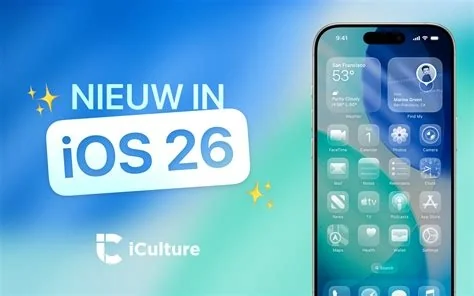
iOS 26.3 brings three core upgrades: a built‑in Android Transfer tool that moves contacts, photos, messages, and app data with a single tap, end‑to‑end encryption for RCS chats, and tighter privacy controls for location and sensor access. The update rolls out over‑the‑air to all supported iPhones and iPads, giving you immediate access to these features.
Android Transfer Tool
The new “Move to Android” feature lives in Settings → General → Transfer to Android. You simply scan a QR code displayed on the Android device, and the two phones sync over Wi‑Fi. It handles contacts, photos, messages, and even app data, making the switch from iPhone to Android far less painful.
RCS Encryption for Messaging
Apple now encrypts Rich Communication Services (RCS) messages end‑to‑end, giving the same protection it already offers for iMessage. This closes a long‑standing security gap and ensures that your chats with Android users stay private, whether you’re texting friends or handling business communications.
Enhanced Privacy Controls
iOS 26.3 adds several privacy tweaks:
- Apps can be blocked from accessing precise location while running in the background.
- A weekly “App Activity Summary” shows which apps have used the microphone, camera, or health data.
- Notification forwarding now works seamlessly across Apple Watch and iPad, so reminders appear on any paired device without extra setup.
Impact for Users and Enterprises
For everyday users, the Android Transfer tool removes a major barrier to switching platforms, which could influence buying decisions in price‑sensitive markets. Enterprises benefit from encrypted RCS messaging, allowing iPhones to coexist with Android handsets without compromising security. The new privacy toggles also give IT admins finer control over data‑access policies on BYOD fleets.
Developer Considerations
Apple exposes the Move to Android workflow through a public API, so third‑party backup apps can integrate the migration process. Notification forwarding enhancements rely on the existing UNUserNotificationCenter framework, meaning most apps will see the benefit without code changes. Note that devices older than iPhone 6s won’t support the Android Transfer feature due to hardware limits.
Future Outlook
The introduction of cross‑platform tools suggests Apple may expand its ecosystem integration further, potentially syncing iCloud data with other cloud services down the line. While iOS 26.3 isn’t a massive overhaul, its practical upgrades—Android migration, secure RCS chats, and stronger privacy—set the stage for a more open and secure mobile experience.


