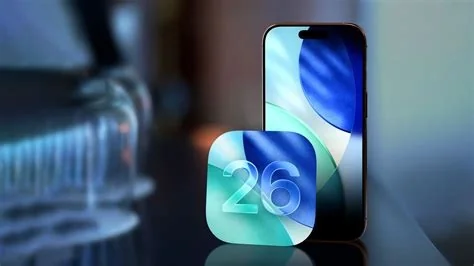
iOS 26.3 gives iPhone and iPad users a one‑tap way to move to Android, introduces per‑app tracking controls, and upgrades RCS messaging with end‑to‑end encryption—all in a 1.2 GB update that installs via Settings > General > Software Update.
One‑Tap Android Migration
Apple now places a “Switch to Android” option under Settings > General > Transfer to Android. When you tap it, the device creates a secure QR code that bundles contacts, photos, messages, and supported app data for the Android phone to scan. This built‑in path lets you leave the “Liquid Glass” ecosystem without third‑party tools.
Dynamic Wallpaper Packs
New wallpaper collections include time‑of‑day variants that automatically shift with Light and Dark mode, giving your lock screen a fresh look without draining battery.
Selective App Tracking Toggle
Under Settings > Privacy > Tracking, a new toggle lets you block tracking on individual apps instead of disabling it system‑wide. You keep the apps you trust while tightening privacy where you need it.
RCS Encryption for Android Chats
Messages now supports end‑to‑end encryption for Rich Communication Services (RCS) conversations with Android contacts, bringing iMessage‑level security to cross‑platform messaging.
Notification Forwarding to Android
iOS can forward selected alerts to a paired Android device, so you stay informed even after you’ve switched platforms.
What Experts Say
Jane Liu, senior IT manager, notes that the QR‑code migration could streamline BYOD device handovers, cutting setup time dramatically.
Michael Ortega, mobile‑security consultant, recommends testing the notification‑forwarding feature in a sandbox before a company‑wide rollout, even though RCS encryption adds a solid security layer.
Should You Update Now?
If you haven’t installed iOS 26.3 yet, the update is already rolling out. Make sure your device is fully charged or connected to power, and expect a download of about 1.2 GB. The upgrade is quick, useful, and gives you a dignified exit route if you’re planning to switch to Android.
Key Features at a Glance
- One‑tap Switch to Android with QR‑code transfer
- Dynamic wallpaper packs with Light/Dark mode support
- Selective App Tracking toggle for per‑app privacy
- End‑to‑end encrypted RCS messaging
- Notification forwarding to Android devices